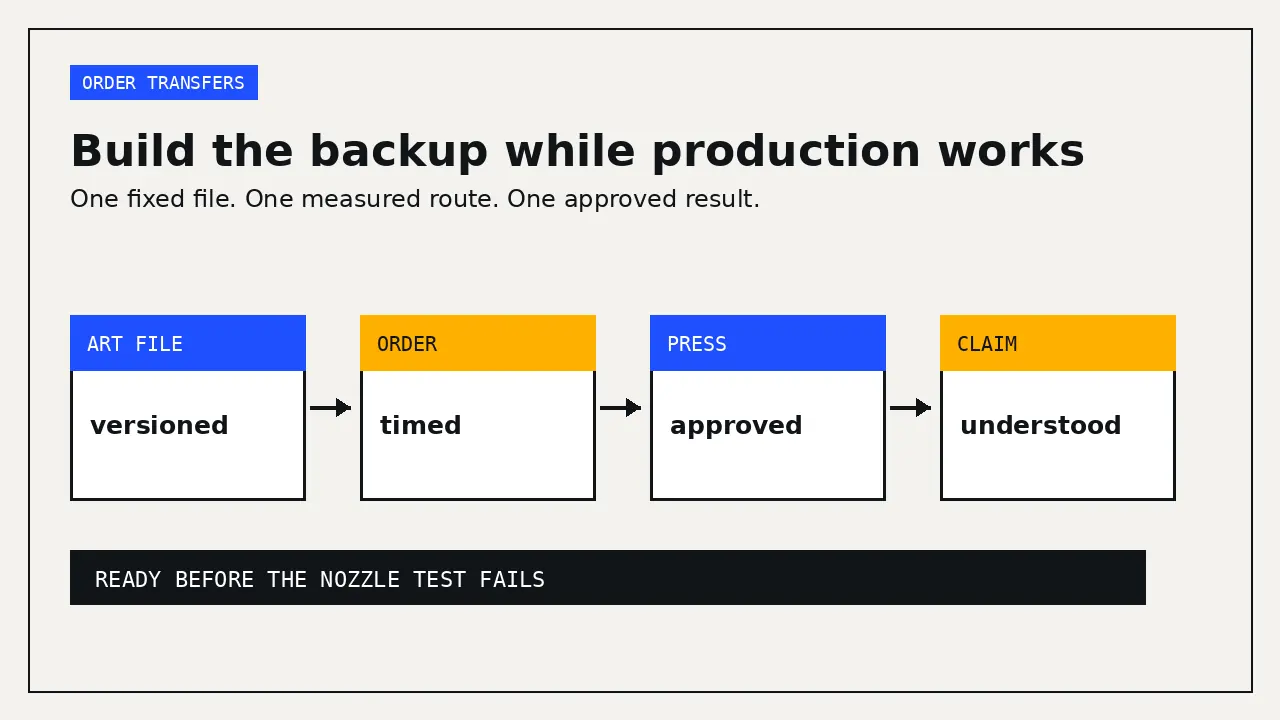
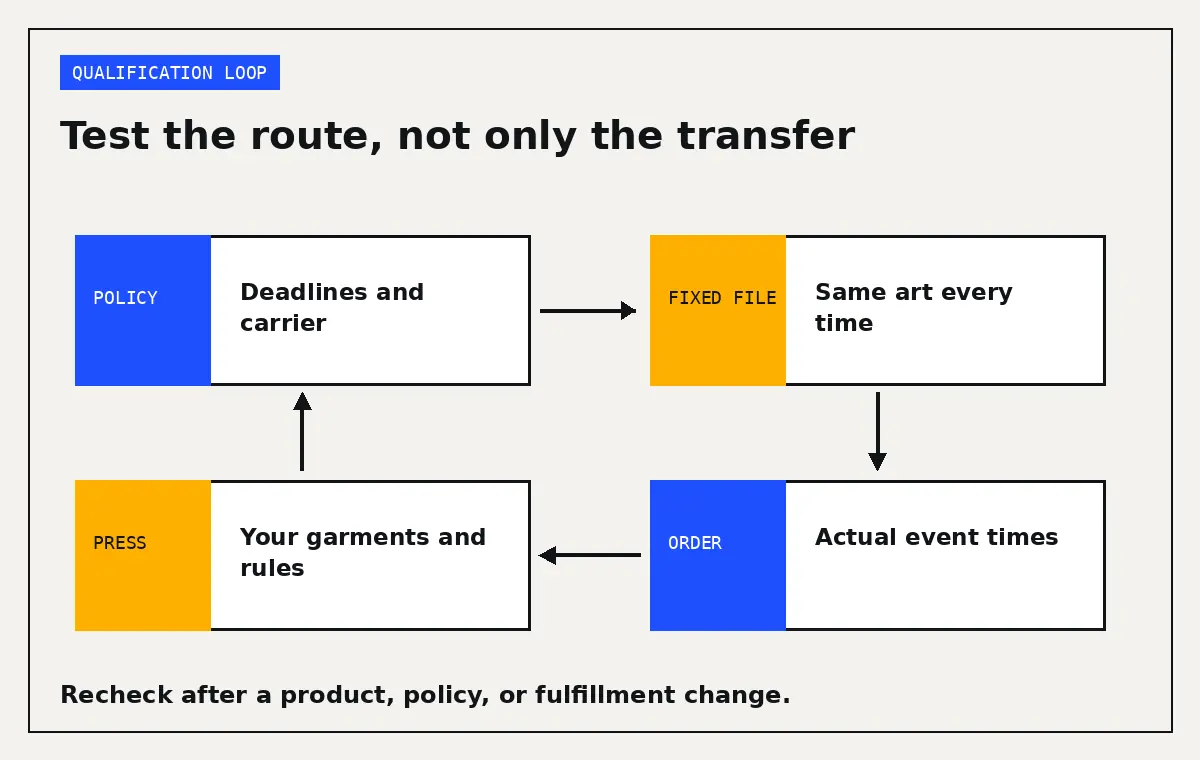
A backup DTF transfer supplier is not qualified because the website accepts your file and advertises fast production. Qualify one while your own printer is running: submit a fixed test sheet, record the real order timeline, press it on your usual garments, and learn the claim process before an outage puts a customer deadline at risk.
This guide is for an in-house DTF shop that needs a working outsource route. It does not rank suppliers. Supplier policies differ and can change. The useful result is a dated vendor record, an accepted artwork package, and a repeatable emergency order that someone else in the shop can release.
Build the backup before the failure
A printer outage is the worst time to create an account, rebuild gang sheets, interpret a new art specification, or discover that the rush cutoff uses Eastern time. The backup route needs the same treatment as any production process: a controlled input, recorded timing, an inspected output, and a stop rule.
Owning a printer and keeping an outside supplier are not contradictory choices. The monthly break-even guide tests whether in-house volume can carry the machine. It does not prove that every order should depend on one printhead, one curing unit, and one shipping account.
Create a short vendor record with the current policy URLs, date checked, support contact, ordering cutoff, likely production origin, available carriers, claim deadline, and the exact application sheet used for your test lot. Mark anything the supplier has not answered as unresolved.
Use one fixed artwork test
Do not send different customer art to each candidate and compare the results. Build one version-controlled gang sheet that exposes the work your shop actually sells.
Include two accepted, high-volume designs if you have permission to use them. Add transparent areas, white printable elements, small text at your normal production limit, fine positive and reversed lines, a gradient, a partially transparent element, saturated color patches, neutral gray, and a physical-size box. Print the file version, dimensions, color space, and export date in a test area.
Keep a 300 PPI raster export at final size and the production vector or PDF version if the supplier accepts it. 613 Originals’ art requirements recommend 300 PPI or higher and say resolution and line weight can be printed as submitted rather than flagged. The same page says RGB files are printed as submitted and are not converted to CMYK. Those are that supplier’s rules. Your backup file must follow the selected supplier’s current requirements.
Record every requested art change as a new version. If one supplier asks you to thicken a fine line or flatten an effect, do not quietly alter the master sent to every other supplier. Otherwise you lose the controlled comparison.
Time the order by events, not slogans
“Same day” can refer to production, carrier pickup, or a service available only before a cutoff with print-ready art. It is not the same as delivery to your shop.
The 613 Originals turnaround page shows why the distinction matters. It lists same-business-day DTF gang-sheet shipping under one cutoff, while another section places DTF in a next-business-day group under a later cutoff. It also says artwork concerns can delay production, transfers may ship from several states, and 613 does not promise carrier delivery times. Treat this as a prompt to confirm the exact ordering route, origin, cutoff, and destination ZIP, not as one universal delivery promise.
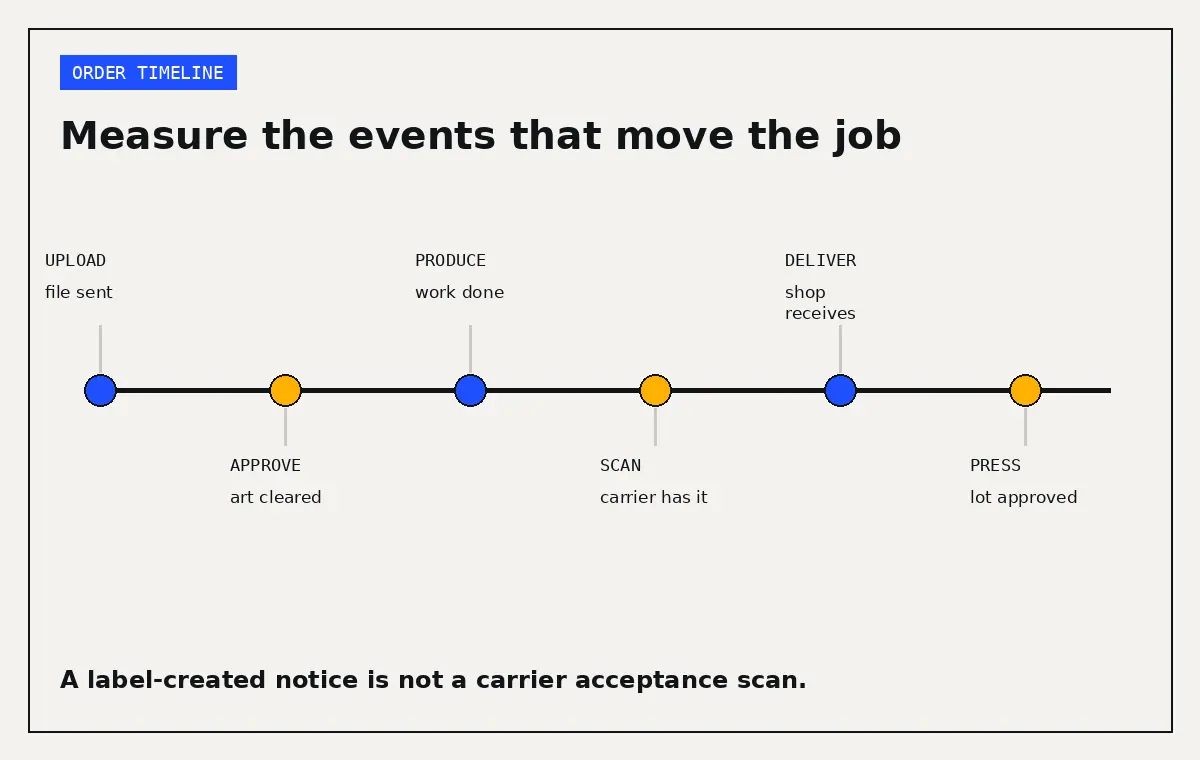
For each test order, record:
- File upload and payment time
- Art question or proof time
- Art approval time
- Production-complete notice
- First carrier acceptance scan
- Delivery time
- Receiving inspection and test-press time
Save the order confirmation, proof, invoice, tracking page, packing slip, and any lot identification. The first carrier scan matters. A label-created email does not show that the package entered the carrier network.
Ask how to select an alternate carrier before you need it. 613 says support may offer FedEx or USPS instead of UPS and that a requested USPS service adds one business day. An available alternative still needs a route check for your ZIP and the current disruption.
Inspect and press the test lot
Photograph the unopened package and any transit damage. Check count, dimensions, film condition, contamination, curl, and obvious color variation. Keep at least one unapplied transfer from the lot in case you need evidence for a claim.
Use the supplier’s current instructions, not the settings from your in-house film and powder. Verify the press temperature with the method your shop uses, record the pressure setting, and follow the stated dwell and peel method. Test on the garment blanks that carry most of your work. A transfer that passes on one cotton shirt has not answered how it behaves on your usual polyester or blend.
Define the pass standard before looking at the results. Include correct physical size, acceptable color against an accepted physical reference, clean fine lines, no unwanted background, complete adhesion, acceptable hand, and no visible edge lift after your normal test process. If wash testing is part of your shop approval, use a written method and fixed checkpoints. Do not invent a universal cycle count and call it an industry standard.
Keep an unwashed pressed reference, the unapplied retained transfer, and the source file version together. Photograph checkpoints under the same light and camera position. A phone image alone is a poor color target, but consistent photographs can document cracking, lift, distortion, or a changed lot.
Learn the claim boundary before a live job
A supplier may replace transfers without paying for the garments already pressed. 613 Originals’ warranty policy says custom transfers are not eligible for a return, reprint, or refund until Technical Support reviews the claim. Its coverage is limited to replacement of unapplied transfers, not the garments or other items they were applied to. The company tells customers to test one transfer before continuing with the full run.
That makes the first press a release gate. Do not apply an unfamiliar lot across 50 customer garments and assume the supplier carries the blank cost. Preserve unused pieces and stop if the first result is wrong.
Read deadlines carefully and save the policy version. Ninja Transfers’ refund policy says it has a 45-day refund and reprint policy for transfers and supplies, while a later paragraph tells customers to make contact within 30 days of receiving the order. Do not choose one interpretation yourself. Ask the supplier to clarify the deadline in writing and store the answer with the vendor record.
For a real issue, record the order number, lot, garment SKU and color, press used, measured temperature, pressure setting, dwell time, peel method, and any repress. Submit the photos or video the supplier requests. Do not create a false defect to test support.
Store a small bridge, not a mystery pile
A small stock of accepted, repeat designs can bridge the first hours of an outage, but only when the transfers are labeled and stored under the exact product instructions. Transfer Express says transfers should stay in their original packaging in a cool, dry, climate-controlled location away from moisture and extreme temperatures. It gives an approximate room-temperature range of 68 to 72 degrees F and says certain UltraColor products should remain sealed with the supplied gel pack. Confirm which guidance applies to the exact DTF product you buy.
Label retained stock with supplier, order number, product, file version, received date, and application instructions. Rotate it first in, first out. Press a retained piece on a schedule your shop can maintain. If an aged piece fails, quarantine the batch and requalify rather than assuming every stored transfer remains usable.
Storage conditions and shelf-life claims are product specific. A supplier saying transfers last several years under proper storage does not set an expiration date for every product in your room.
Price the outage order before you need it
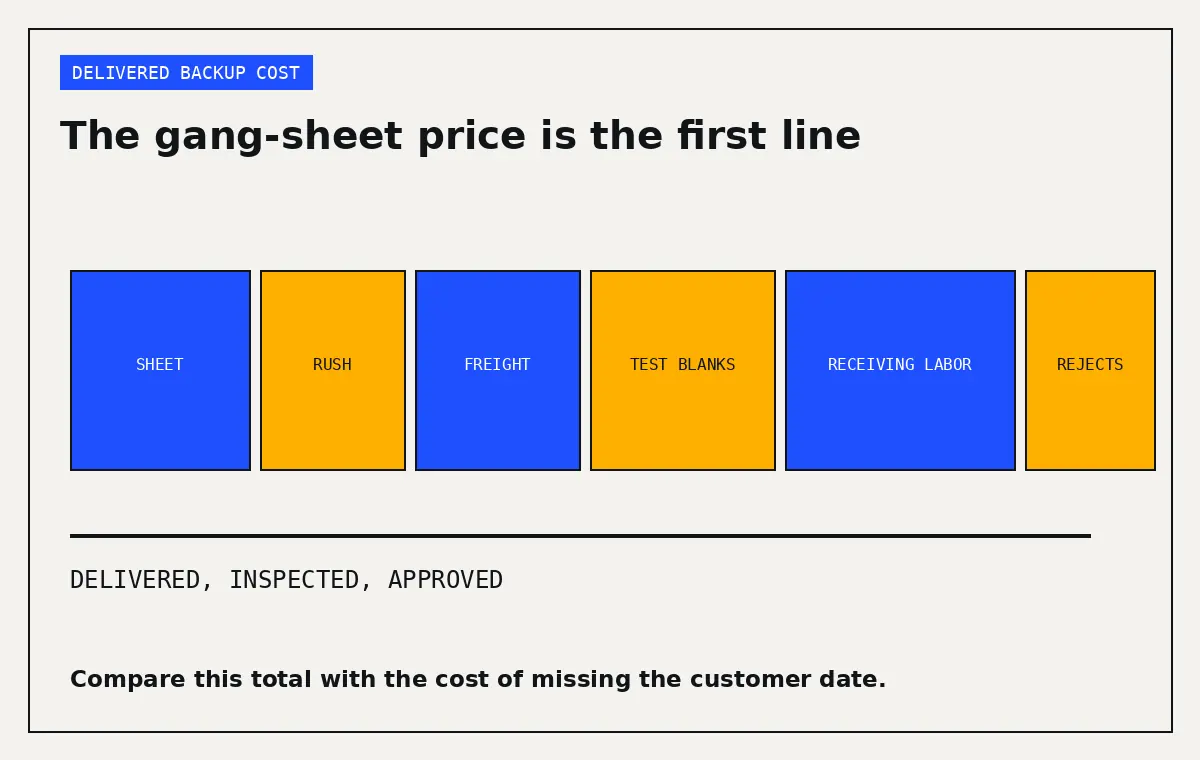
Record the final delivered cost. The gang-sheet price is only the first line. Include setup or art charges, rush production, freight, tax, test garments, receiving labor, and any transfers that fail your inspection. Compare that figure with the full in-house number in the real cost per transfer guide and enter the outsource scenario in the DTF cost calculator.
The backup route will often cost more per transfer than a normal in-house run. That does not make it a bad control. Compare the premium with missed ship dates, idle press labor, refunds, and customer replacement costs. Use your own order history for those estimates and label them as estimates.
Keep the route alive
Check the account monthly. Confirm that login, ship-to address, payment method, tax documents, authorized buyers, artwork package, and support contacts still work. Review policy-change emails and current carrier alerts.
Place a small live order each quarter if the backup matters to committed production. Record actual timing, press one transfer from the new lot, and compare it with a retained reference. Requalify after a product or application change, a new fulfillment origin, repeated missed scans, changed claim terms, unexplained color drift, or a failed stored transfer.
Tie this plan to the printer warranty checklist. If the seller cannot document a fast local repair route, your accepted outsource capacity needs to cover a longer window.
Your next action is to build one fixed test sheet and place one standard order this week, while your printer is available. Save the file, instructions, invoice, actual timeline, pressed reference, and one unapplied transfer in a labeled backup-supplier folder. Then write the two-sentence outage procedure your staff will follow when the in-house nozzle test does not recover.